Text
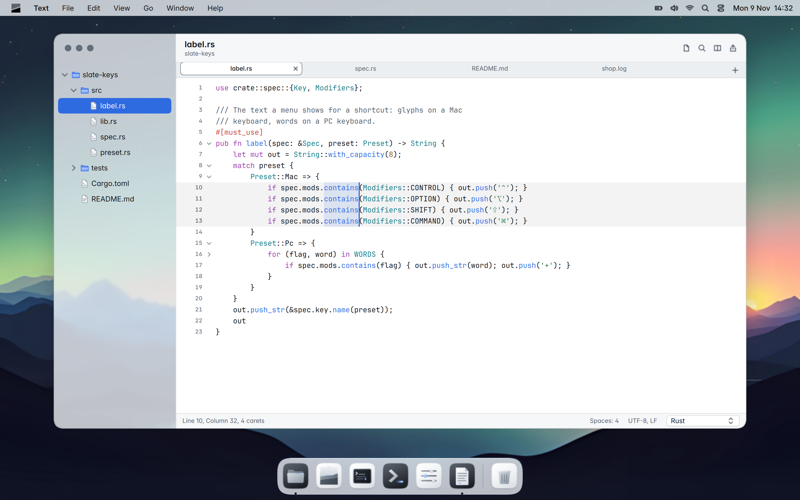
An editor for plain text and code, with syntax colours, multiple carets, column selection, snippets and TextMate bundles.

Slate is a complete operating system: the desktop, the built-in tools, Slate AI and every app are designed together. This is everything inside.
A menu bar with the menus of the app you are using, and a dock with your apps. If you know a Mac, there is nothing to learn again. Yet everything is Slate's own: the icons, the window controls, the typefaces and the sounds.
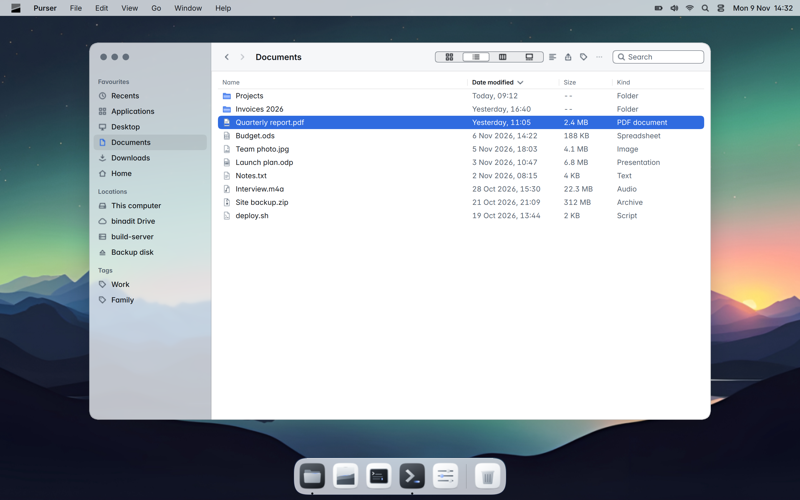
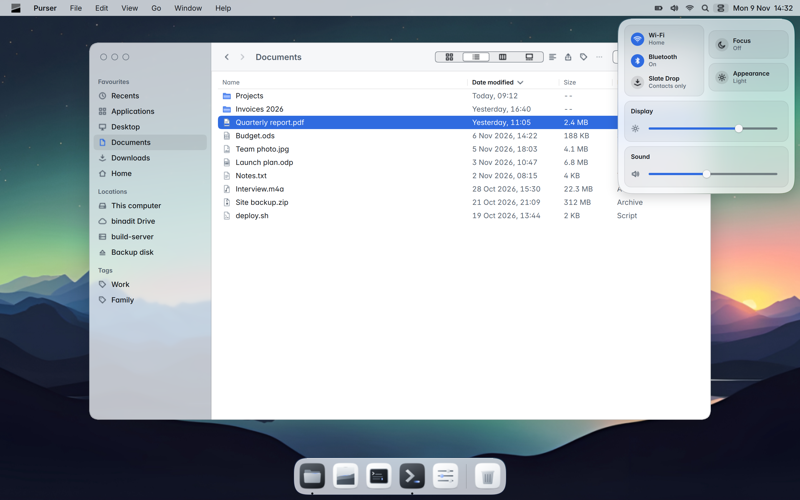
Wi-Fi, Bluetooth, sound, brightness and Focus in one panel from the menu bar. Notifications arrive calmly at the top right and stay in Notification Center. With Focus you decide who may interrupt you.
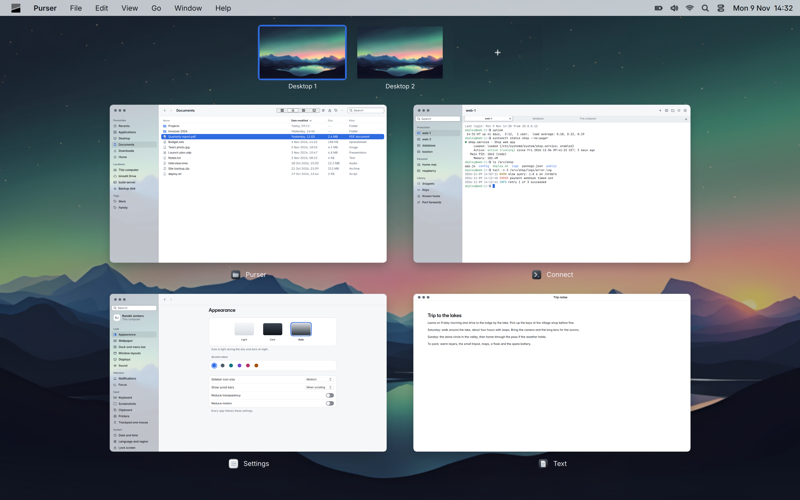
Overview shows all your windows and desktops at a glance. Make a desktop per project, give an app the full screen in a space of its own, or put two apps side by side. Swipe between them with three fingers.
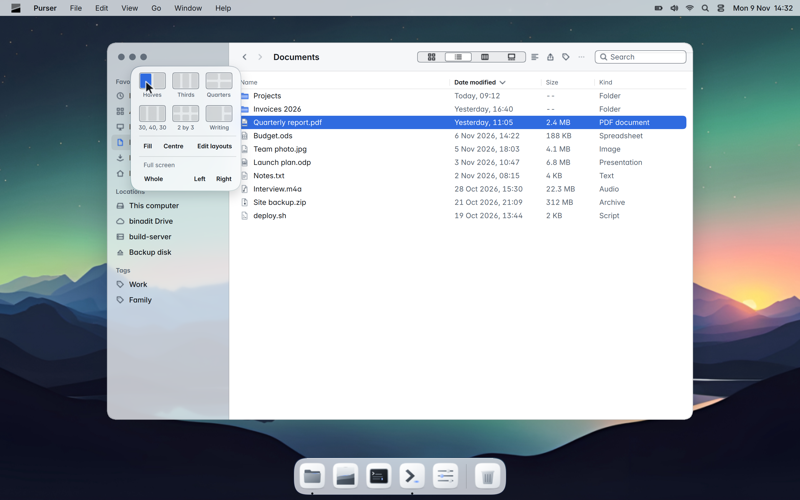
Drag a window to an edge or a corner and it fills that half or quarter. Hold the pointer on a window's zoom button and pick a layout from the palette. Slate suggests which window fits next to it.
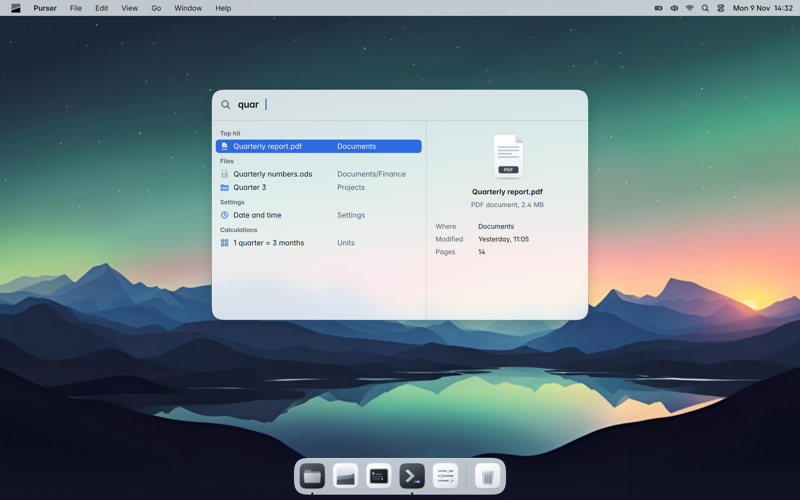
Press Command and Space and type. Search finds apps, settings, files, contacts, events and notes, and does sums on the spot. Type a question or a request and Ask Slate is at the top.
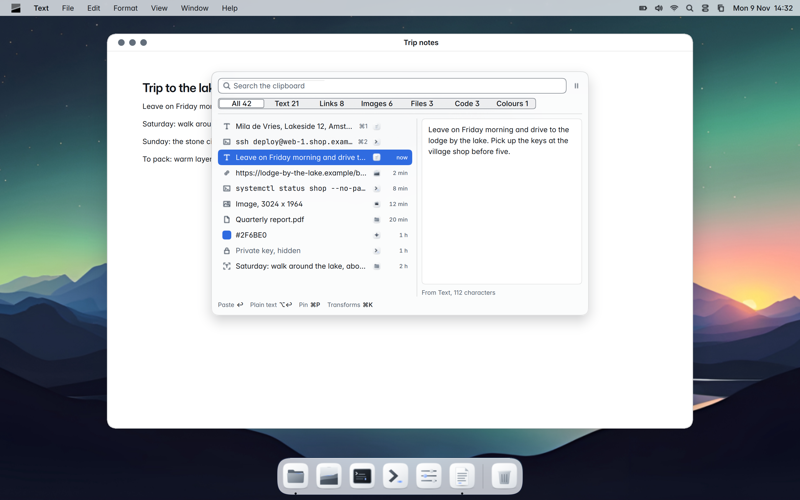
Everything you copy, Slate keeps in an encrypted history on your own computer. Press Shift, Option and Space, find it in a split second and press Return: it lands straight in the app you were in.
An area, a window or the whole screen, with a timer or as a scrolling capture of a long page. Record your screen with microphone and system sound. Then edit with arrows, text, blur and highlighter, or pin a capture above your work.
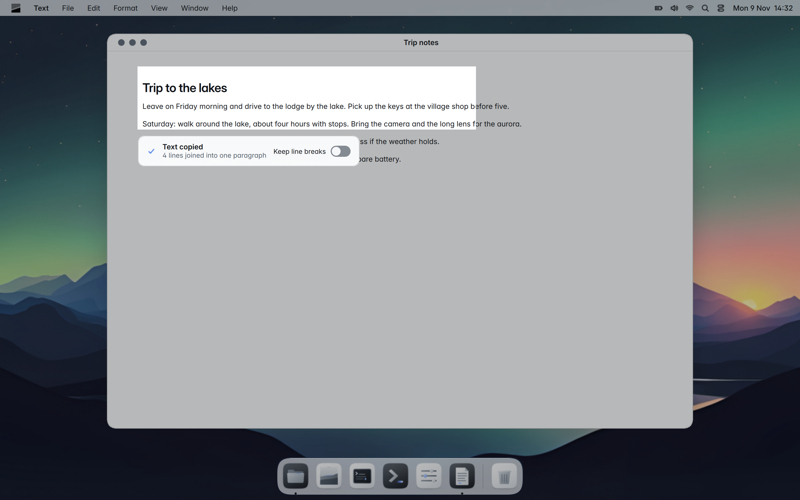
With text capture you select part of the screen and its text is on your clipboard, line breaks and all. QR codes are read the same way.
Slate AI runs on your own computer. It understands normal sentences in your own language, spoken or typed, and operates every Slate app completely. No cloud, no cost per question.
Everything you can do in a Slate app with mouse or keyboard, you can ask Slate to do. Every button and menu item has a command that Slate AI uses, through the same code as you. So "turn on dark mode at eight in the evening" works as well as "ssh to web-01 and show the disk space".
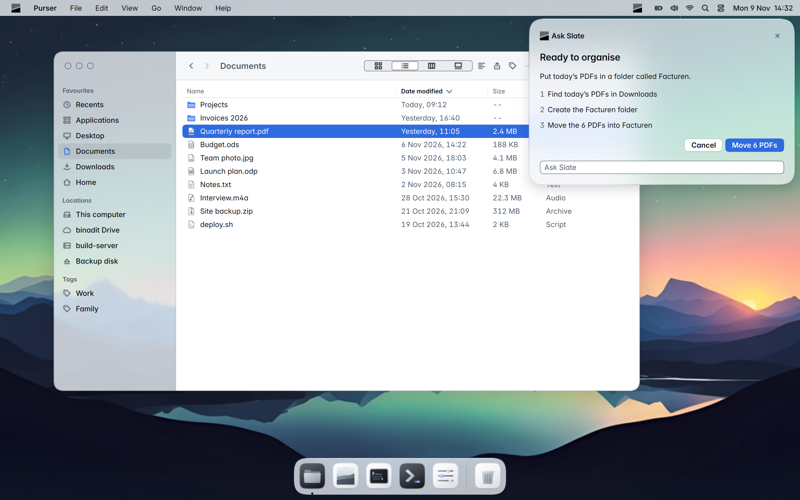
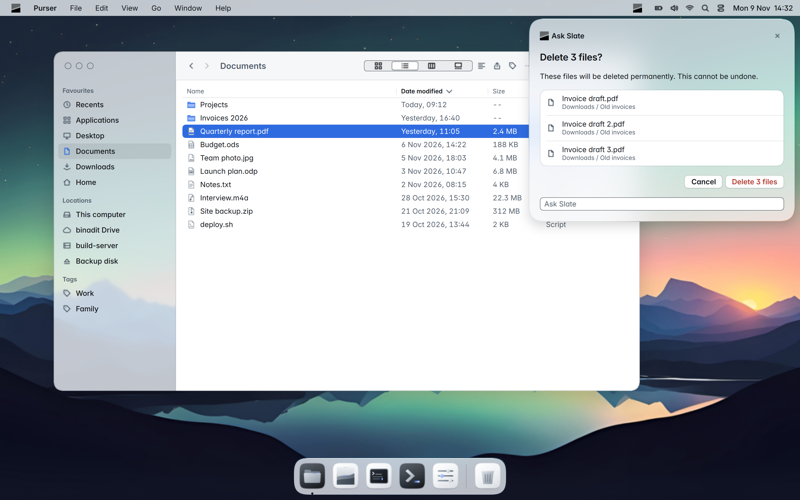
Anything that cannot be undone, or that sends something out, Slate shows you first. You see exactly what will happen and choose: go ahead or cancel. Slate AI stays off until you turn it on, and Setup tells you honestly how much disk space and memory it takes.
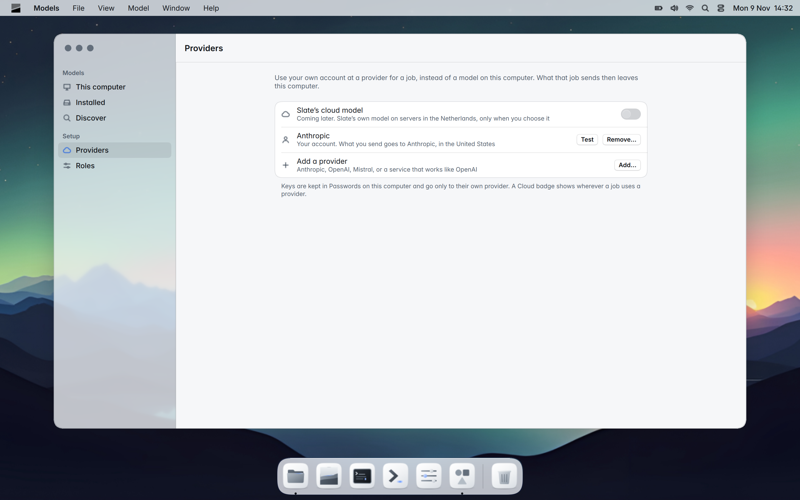
Want a bigger model for a hard question? Connect your own account with a provider such as Mistral, OpenAI or Anthropic, or your own server. Your key is kept safe in Passwords, and Slate always shows where an answer comes from.
Or choose Slate's EU cloud model: larger open models on Binadit's servers in the Netherlands. No training on your data, no storage of conversations, and off by default.
Every Slate app follows the same rules for how it looks and works, speaks Dutch and English, and can be operated completely by Slate AI.
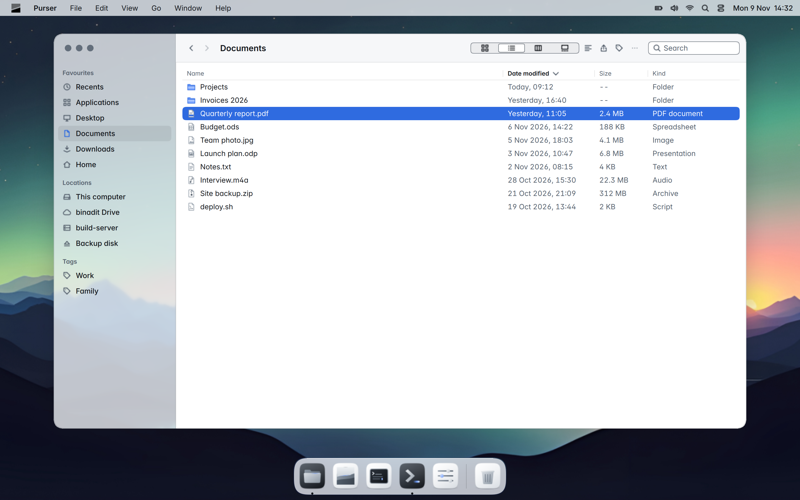
Calm when you just want a file, powerful when you want more. Tabs and panes side by side, list, columns, icons and gallery. Every place works the same: your computer, a network drive, a server or an archive.
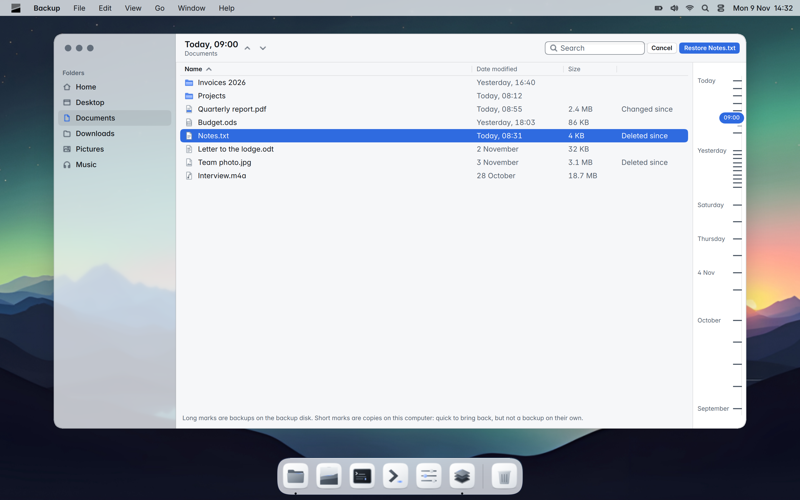
Connect a disk and say yes. From then on Slate makes a copy every hour, encrypted and without duplicate data, to a disk, a network drive, a server or binadit. In between, your computer keeps copies of its own.
Going back in time is a timeline you scroll through. Bring back one file, a folder or your whole computer.
An editor for plain text and code, with syntax colours, multiple carets, column selection, snippets and TextMate bundles.
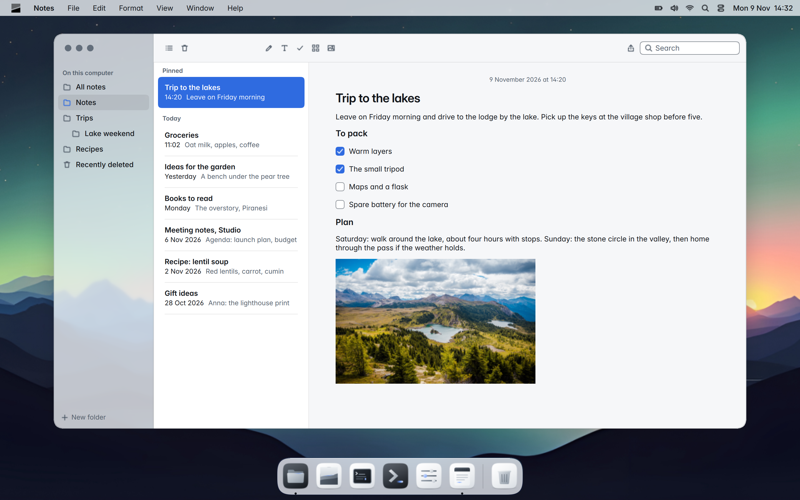
Start typing, the first line is the title. Folders, checklists, attachments, locked notes, and everything searchable.
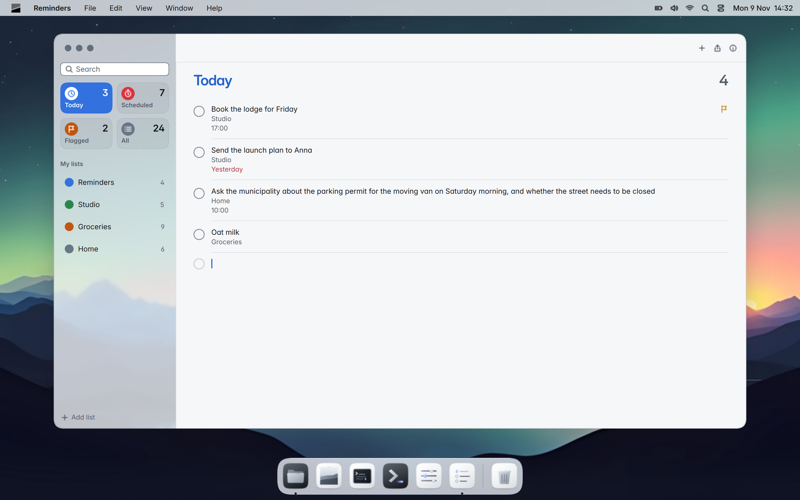
Lists, smart lists, due dates, repeats and alerts. Syncs over CalDAV.
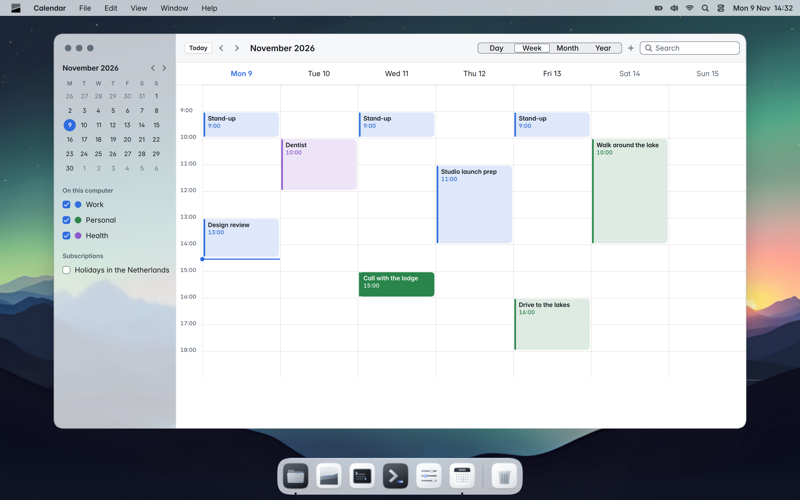
Day, week, month and year. Several calendars, invitations, time zones, and "lunch Friday at noon" in plain words.
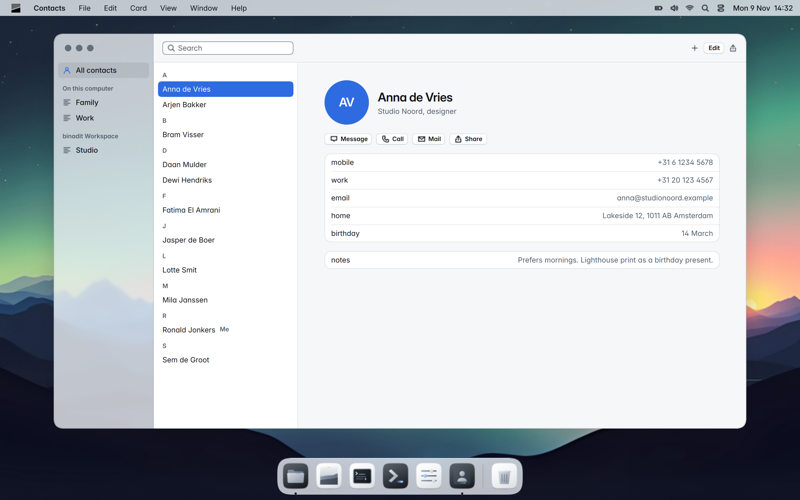
Cards, groups, your own card, merging duplicates. CardDAV and vCard.
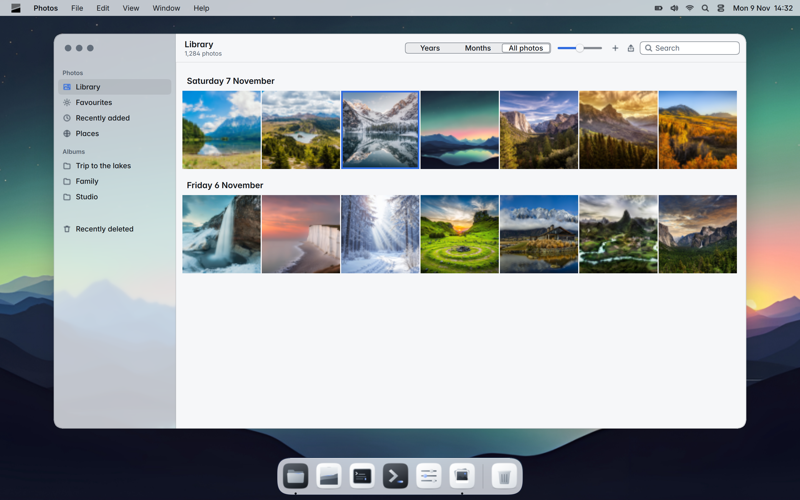
Your pictures and videos by day, month and year. Import from a phone or camera, albums, crop, adjust and trim videos.
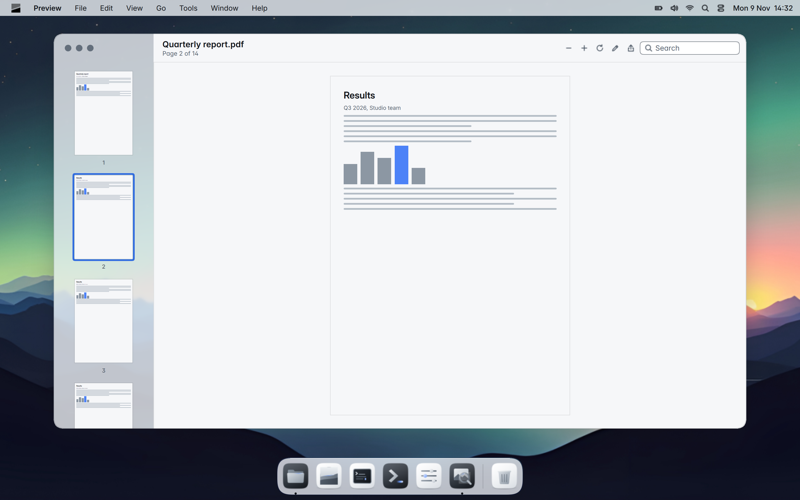
View images and PDFs, mark them up, sign, fill in forms, merge, split and export.
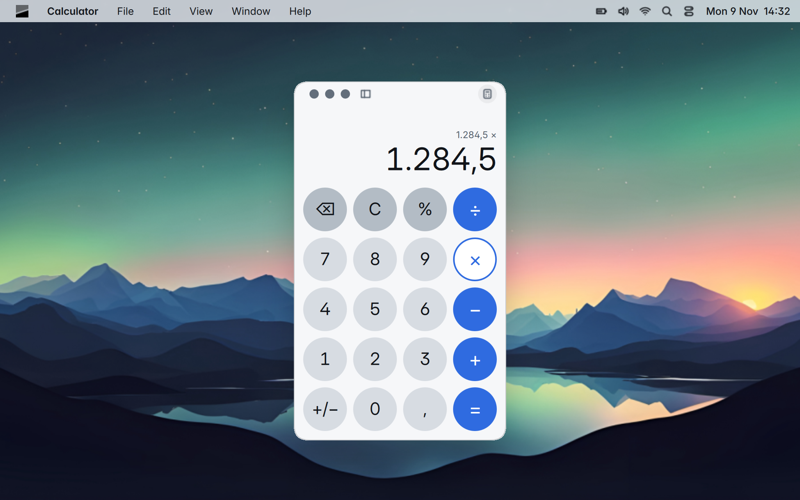
Basic, scientific and programmer, with history and conversion of units and currencies.
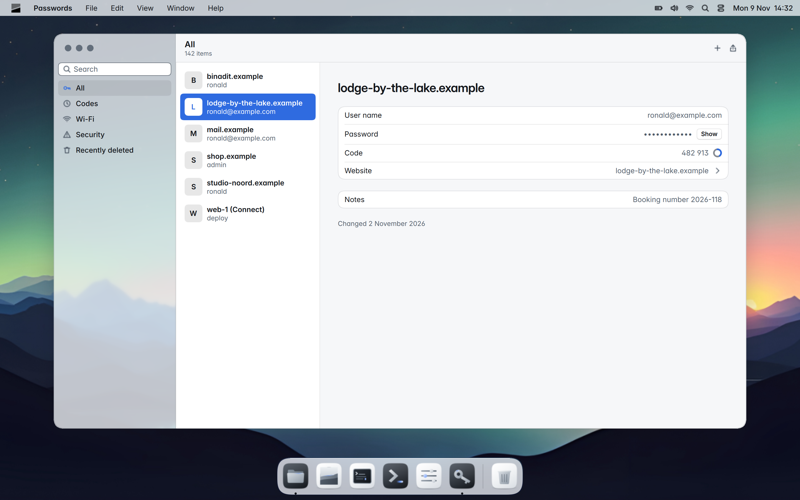
Logins, passkeys, one-time codes and Wi-Fi passwords in one safe place. Warns about weak and reused passwords.
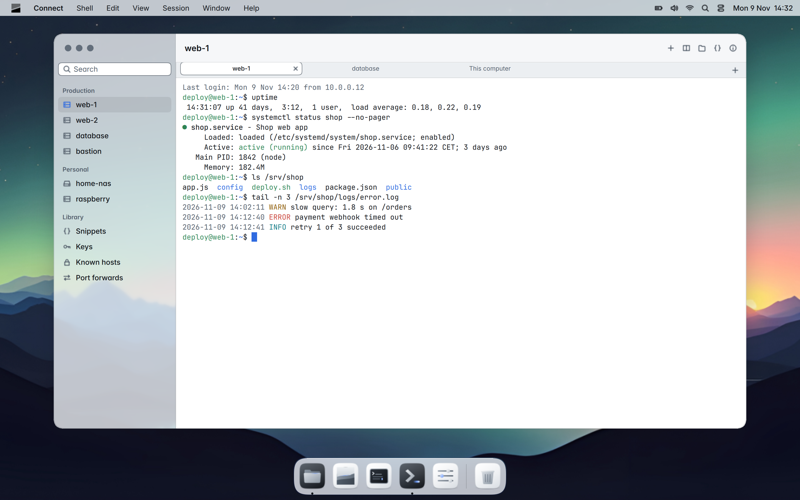
A terminal and server manager: hosts, keys, port forwards, snippets and SSH. Browse files in Purser.
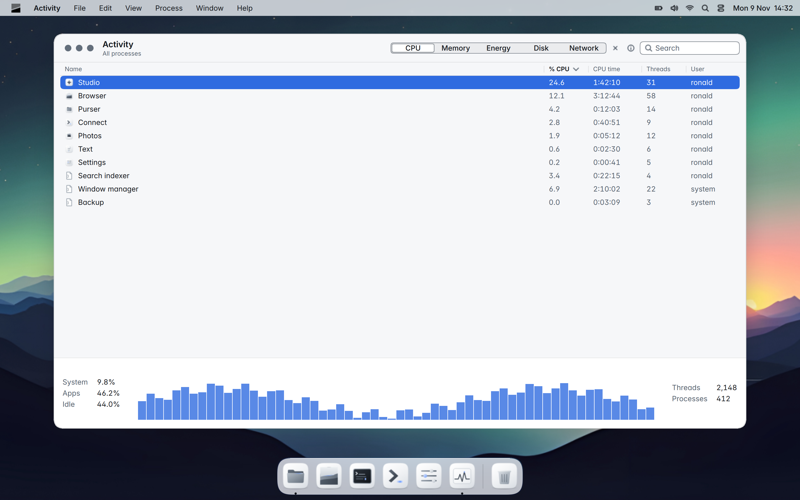
Processor, memory, energy, disk and network per app. Quit an app that no longer responds.
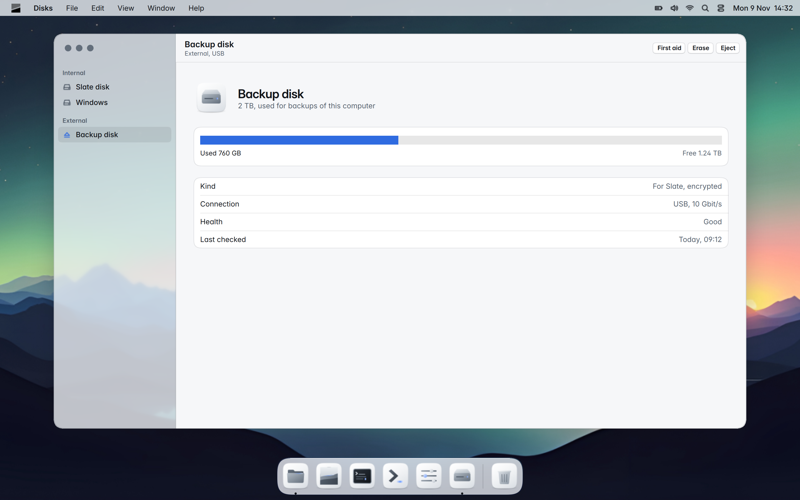
Erase, encrypt and check disks and see their health. Make a Slate install stick with it.
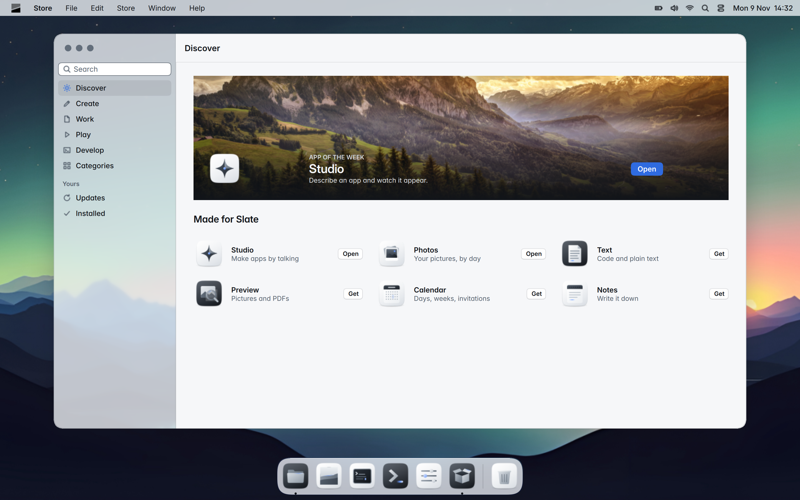
Discover, install and update apps. You always see first what access an app asks for.
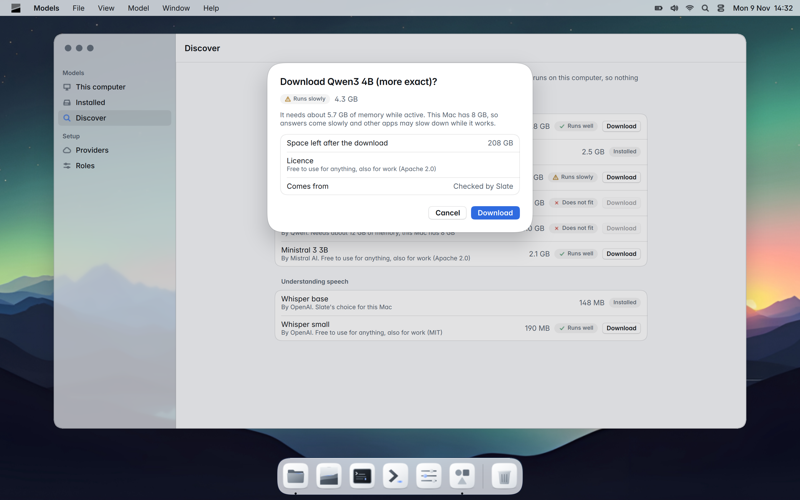
Discover and download AI models and see what fits your computer. Chat, connect providers and choose which model Slate uses.
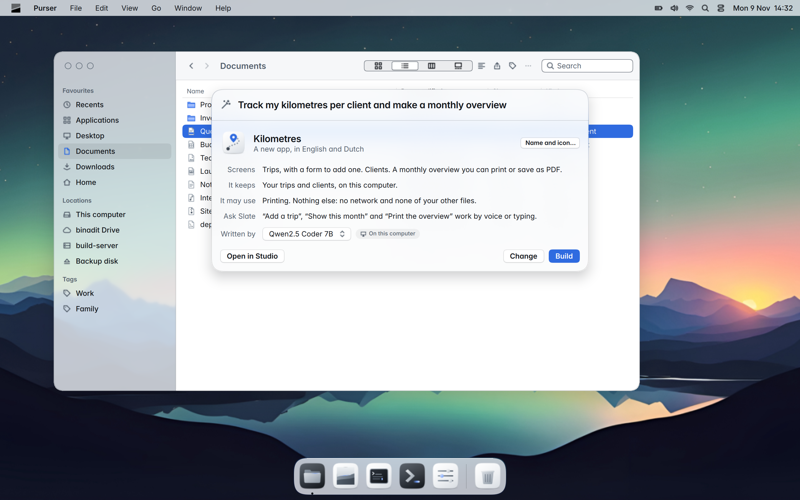
Say what you miss and Slate makes a real app of it. Every app gets its own history in your Developer folder.
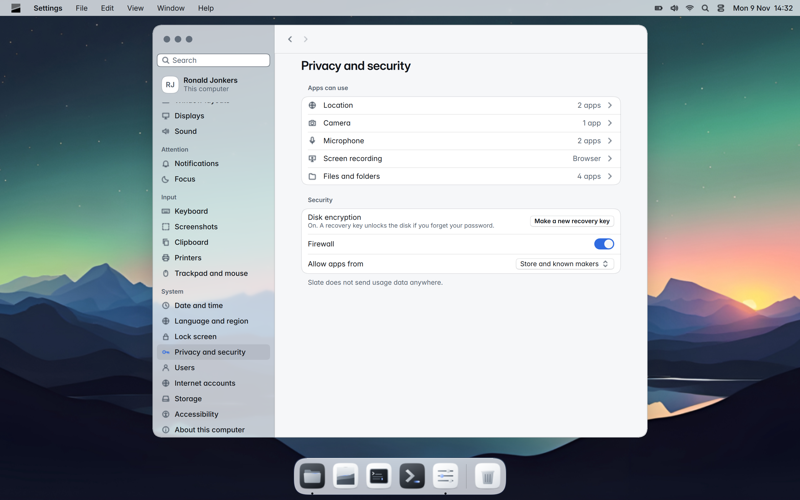
Everything in one place and searchable: displays, Wi-Fi, accounts, privacy, Slate AI, backup and updates.
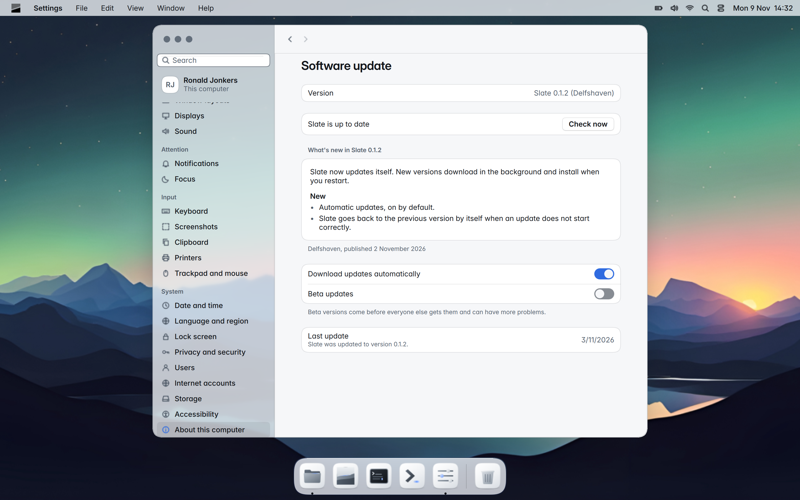
A Slate app is one file ending in .app. Double-click it and it opens. Drag it to your applications folder and it is installed. Drag it to the Trash and it is gone. Updates arrive by themselves.
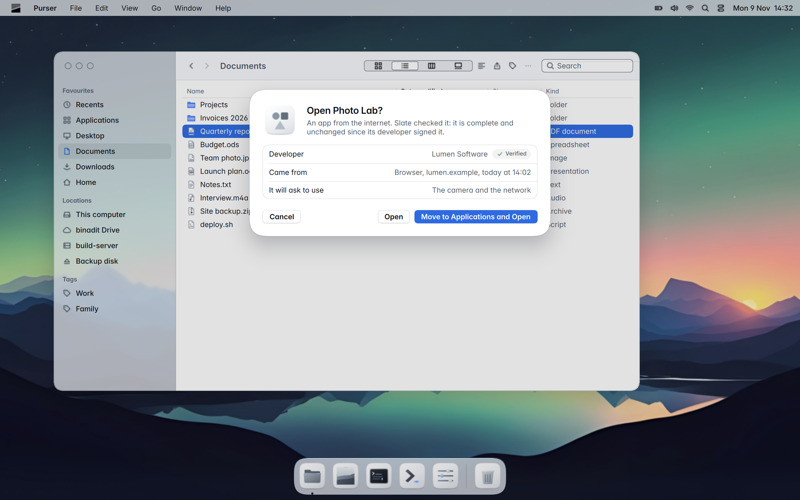
Slate is one signed whole. An update is prepared in the background while you work, and used from the next start. If the new version does not start properly, your computer starts the previous one by itself. That one is kept too: to go back, choose it at startup.
Your disk is encrypted from installation. Your password opens it, and you get a recovery key that only you keep.
The system itself is read-only and signed. Only your own data can change.
Apps run walled off and ask for what they want to use. You see and change that in Settings.
On PCs Slate starts with Secure Boot on, through a signed boot chain.
Passwords keeps logins and secrets encrypted and locks together with your screen.
No telemetry. Crash reports are sent only if you turn them on yourself.
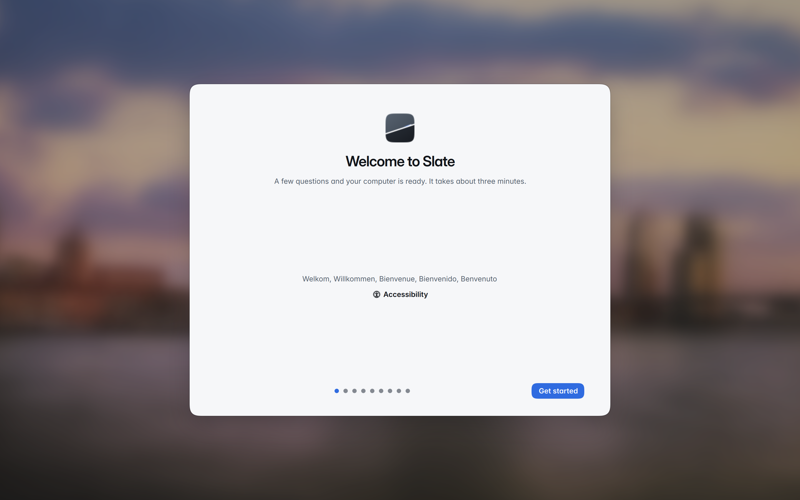
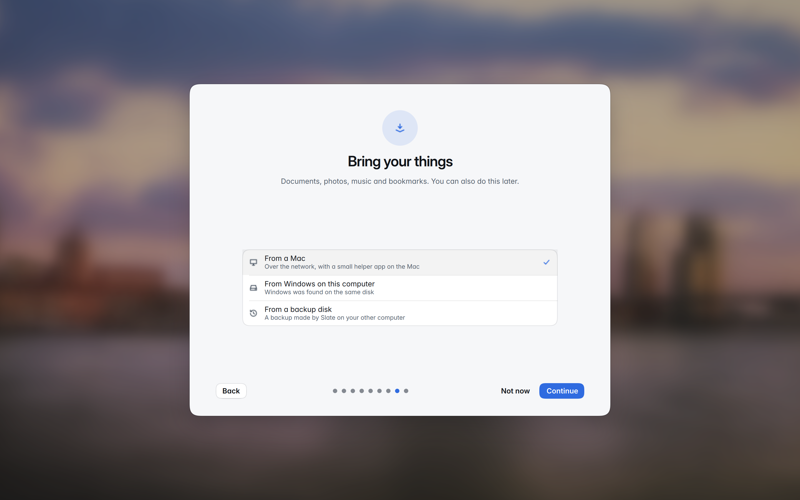
The installer asks no hard questions: next to your current system or instead of it. Then the Setup Assistant takes you through a few steps: language, accessibility, Wi-Fi, your account, privacy and appearance. Slate AI is offered once, with an honest note of what it costs.
Move your files, settings and apps from a Mac, from Windows on the same disk or from a backup disk. With binadit Workspace you sign in once, and your mail, calendar, contacts and Drive are ready.
Sign up for early access and be among the first to install Slate.